
Traffic Control (Customizable)5.0 - Get APK
You'll be able to download in few seconds.
Publisher Description

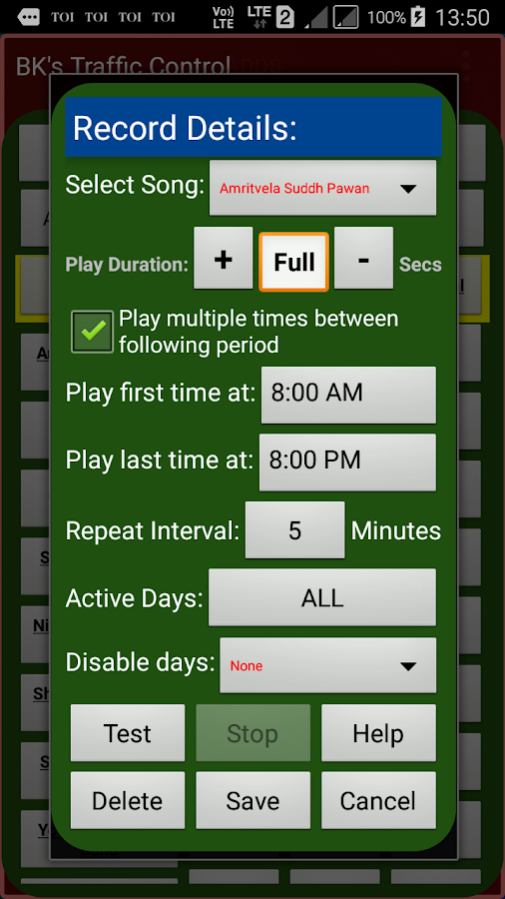


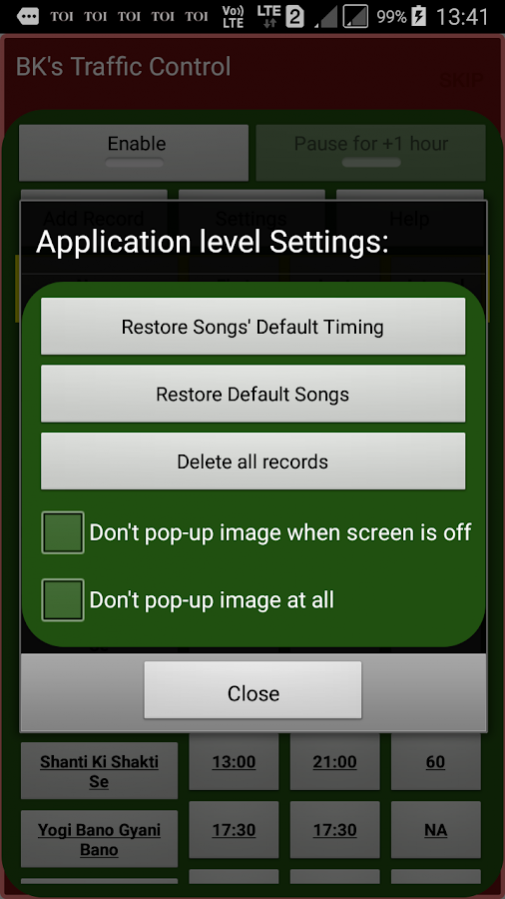
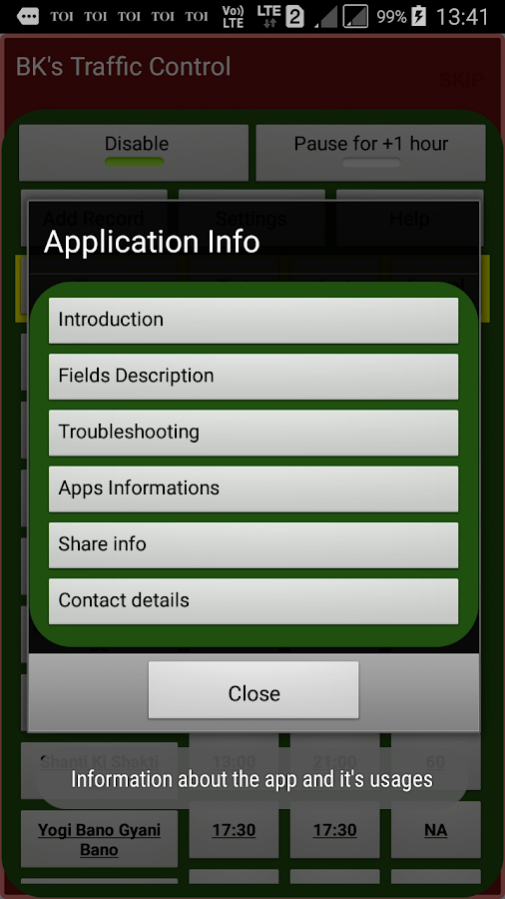
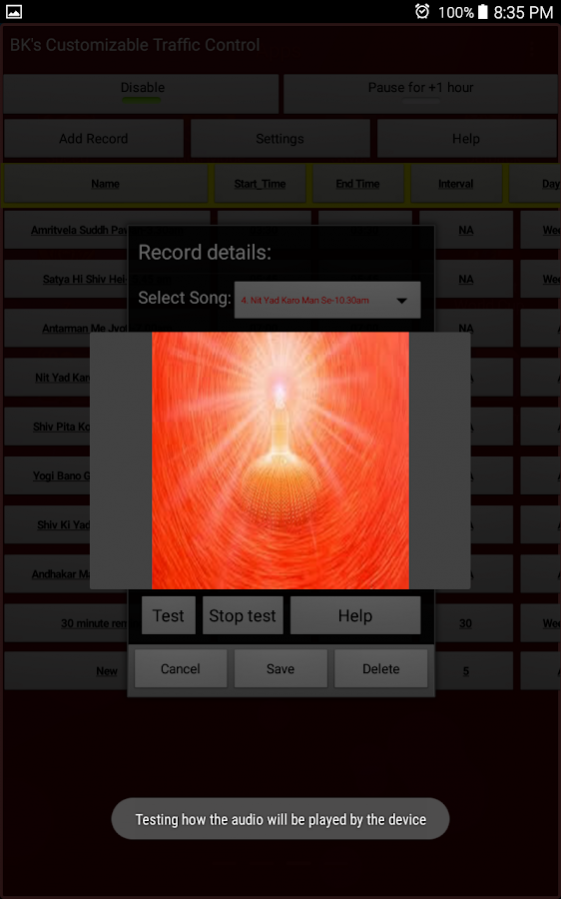
The Brahma Kumari's Customizable Traffic Control application
With this app, BK brothers and sisters can:-
- Play default traffic control songs
- Add new songs or replace a song.
- Specify play time, play multiple times with interval and play duration for each play.
- Adjust timing of traffic control songs as per your own schedule.
- Enable/Disable specific song on specific day without stopping the app
- Repeat a song at specific interval and duration
- Play again a song or next song from notification bar
- An animated image (Shive Baba) can be displayed for visual reminders and meditation,,
- Schedule any other audio, music, recorded message/speech, murali, meditation background music or other motivational/inspiring audio
Note:
1. The app is about controlling thought traffic and nothing to do with traffic on road
2. The app can be used as audio scheduler to schedule any kind of audio
3. The application stops playing audio during phone calls.
Check following If some songs are not played on your mobile sometime -
1> If any Battery Saver app (Clean Master etc) is running on your device, if yes then exclude the 'Traffic Control' app from the list of monitored apps.
2. Disable optimization for 'BK's traffic control' from Settings->Battery->App optimization->Details
3. Grant all permissions required by the app (Applicable for some devices),
Go to Settings -> Permissions -> Traffic Control app and allow all permissions including auto-start
or Security -> Permissions -> Traffic Control app and allow all permissions including auto-start
If you don't want animated image on top of locked screen or on other applications when a traffic control song is played then disable the image from Traffic control app's settings screen.
Note: After installing the app, you need to click on Enable button to enable traffic control songs...
About Traffic Control (Customizable)
The company that develops Traffic Control (Customizable) is Sanjay_Gupta. The latest version released by its developer is 5.0.
To install Traffic Control (Customizable) on your Android device, just click the green Continue To App button above to start the installation process. The app is listed on our website since 2017-03-06 and was downloaded 0 times. We have already checked if the download link is safe, however for your own protection we recommend that you scan the downloaded app with your antivirus. Your antivirus may detect the Traffic Control (Customizable) as malware as malware if the download link to com.sg.omshanti is broken.
How to install Traffic Control (Customizable) on your Android device:
- Click on the Continue To App button on our website. This will redirect you to Google Play.
- Once the Traffic Control (Customizable) is shown in the Google Play listing of your Android device, you can start its download and installation. Tap on the Install button located below the search bar and to the right of the app icon.
- A pop-up window with the permissions required by Traffic Control (Customizable) will be shown. Click on Accept to continue the process.
- Traffic Control (Customizable) will be downloaded onto your device, displaying a progress. Once the download completes, the installation will start and you'll get a notification after the installation is finished.
Program Details
System requirements
Download information
Pricing
Version History
version 5.0
posted on 2017-03-06
1> Permissions handled as per Android 6.0 way of permission handling
2> Issue related to selection and scheduling of non-traffic-control audios on some devices have been fixed.
version 1.0
posted on 2016-04-29
Disclaimer
External Download
We do not host Traffic Control (Customizable) on our servers. We did not scan it for viruses, adware, spyware or other type of malware. This app is hosted by Galad and passed their terms and conditions to be listed there. We recommend caution when installing it.
The APK Download link for Traffic Control (Customizable) is provided to you by apps112.com without any warranties, representations or guarantees of any kind, so access it at your own risk.
If you have questions regarding this particular app contact the publisher directly. For questions about the functionalities of apps112.com contact us.
